Check people in fast — no lines, no waiting
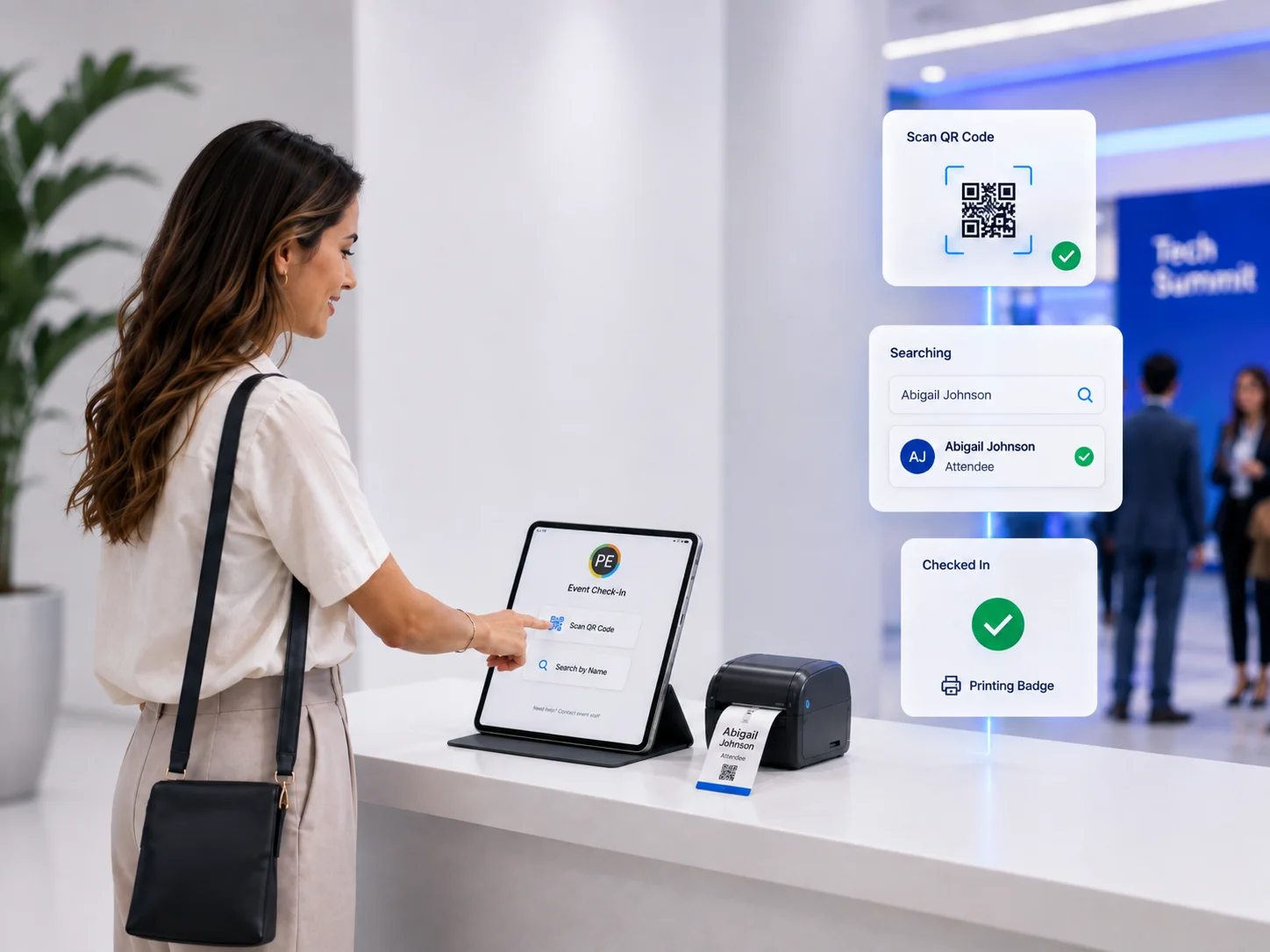
Self-serve kiosks with QR and name lookup get attendees through in seconds. Badges release on arrival and print on demand, so queues never form.
How to set up Event Check-In
Follow these steps to go from account setup to a live deployment at your event.
- 1
Configure check-in for your event
Define check-in rules, kiosk layouts, and which badge designs release on arrival.
- 2
Connect kiosks and printers
Pair self-serve kiosks at entry points with nearby print stations so badges print the moment someone checks in.
- 3
Go live at the door
Attendees scan a QR code, search by name, or use assisted check-in — through in seconds with no pre-sorted badge stacks.
- 4
Monitor arrivals in real time
Track check-in volume, walk-ups, and badge release from the event dashboard as doors open.
What Event Check-In does
Best-of-breed tools that give you time back and make you look like a superstar in front of your clients.
Touchless kiosks
QR, name, or registration lookup at the door — fast, friendly, and reliable even at peak arrival.
QR & barcode scanning
Scan registration confirmations or badges to instantly check in and trigger badge printing.
On-arrival badge release
Badges print only when the attendee checks in — no pre-sorting, no waste, no mismatched stacks.
Offline-capable
Kiosks keep running if venue WiFi drops, syncing back to the platform when the connection returns.
Works well with
Badge Printing
Print full-color badges on demand from any device to any printer, across distributed stations anywhere.
Learn moreSessions & Access
Session scanning, attendance tracking, and access control for every room, track, and VIP experience.
Learn moreDigital Badges
Deliver wallet passes and digital credentials attendees carry on their phone for the whole event.
Learn moreYour event badge space to do it all. Your way. Offsite or onsite.
One platform to manage every event credential requirement — design, print, check in, capture leads, and ship badges, however and wherever you want.